Avoid Expensive Electronics Mistakes Before Peak Season
Getting your boat's electronics ready before the busy summer rush is one of the smartest things you can do. Spring and early summer are when many boat owners start thinking about new gear, upgrades, and bigger trips. That is also when rushed choices and quick installs can lead to problems that show up at the worst time, like in heavy traffic or bad weather.
When professional marine electronics are chosen and installed the right way, they can make every trip safer and less stressful. Good gear gives you clearer charts, more accurate GPS, better radar, and sonar images, and faster ways to call for help if something goes wrong. In this guide, we will walk through common mistakes we see again and again, and how you can avoid wasting money, losing performance, or shortening the life of your equipment.
Planning a Full System Instead of Random Pieces
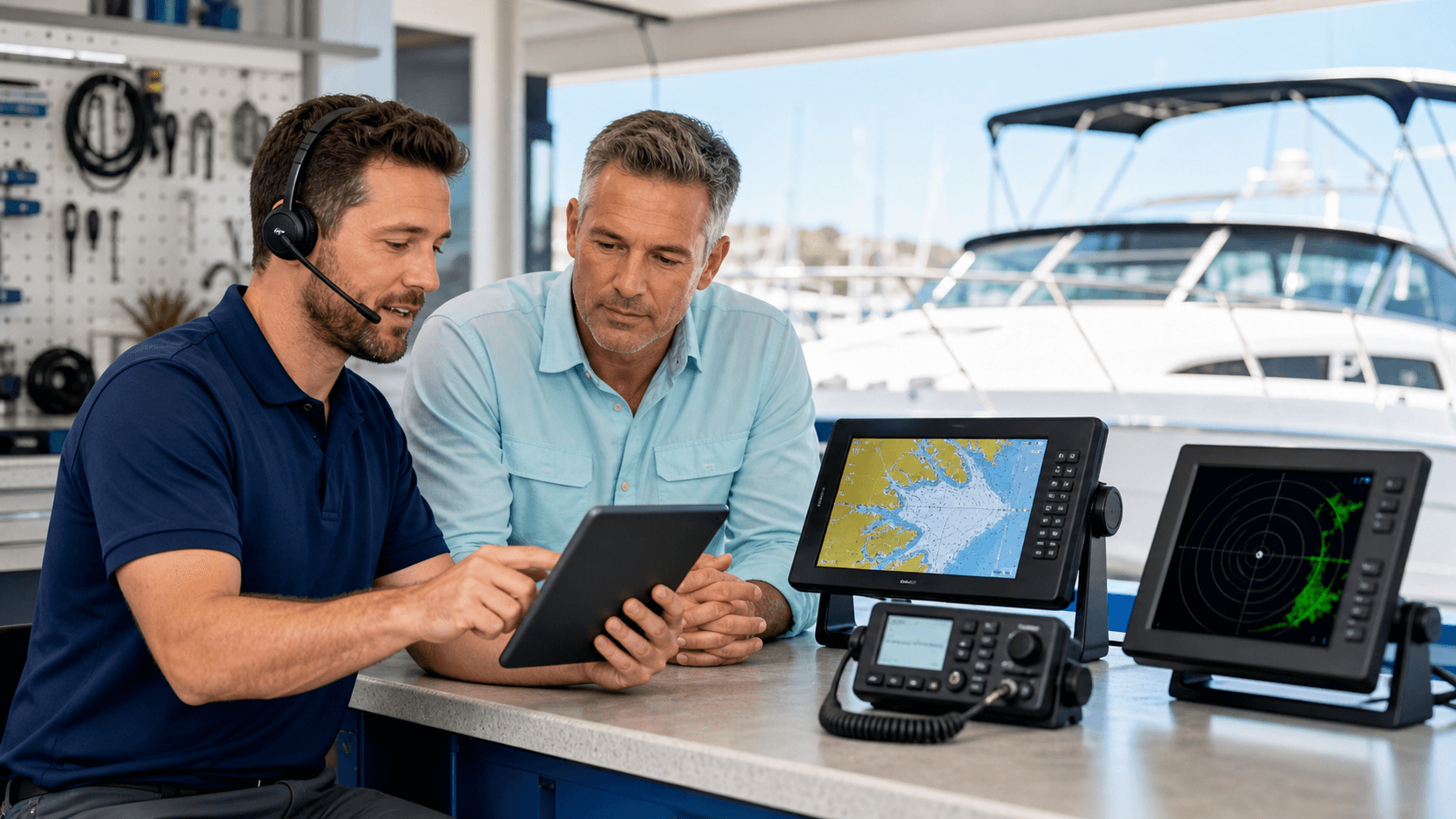
One of the biggest problems we see is people buying a chartplotter one year, a radar the next, and then a VHF radio after that with no real plan. Each piece might be good on its own, but if the brands do not play nicely together, you end up fighting with adapters, extra wiring, or features that never quite work right. It can feel like you are trying to force different puzzle pieces into the same space.
It usually works better to pick a main system first. For most boaters, that means choosing a core brand like Garmin, Simrad, Raymarine, Lowrance, or Standard Horizon and building around it. When your gear speaks the same "language" on a shared NMEA 2000 backbone, things like AIS, radar, sonar, and engine data can all feed into one clean, simple setup.
When you plan ahead, think about:
- How and where you use the boat, short bay trips or longer coastal runs
- Day use only or regular night runs
- Fishing needs like side-scan, live sonar, and separate transducers
- How many screens you want now and in the future
- Power and space at your helm and any second stations
Sketching a simple layout on paper can help. Mark where each display will go, what sensors you have or want, and how everything connects. A little planning time now can save you from a tangled mess later.
Respecting Power, Wiring, and Waterproofing
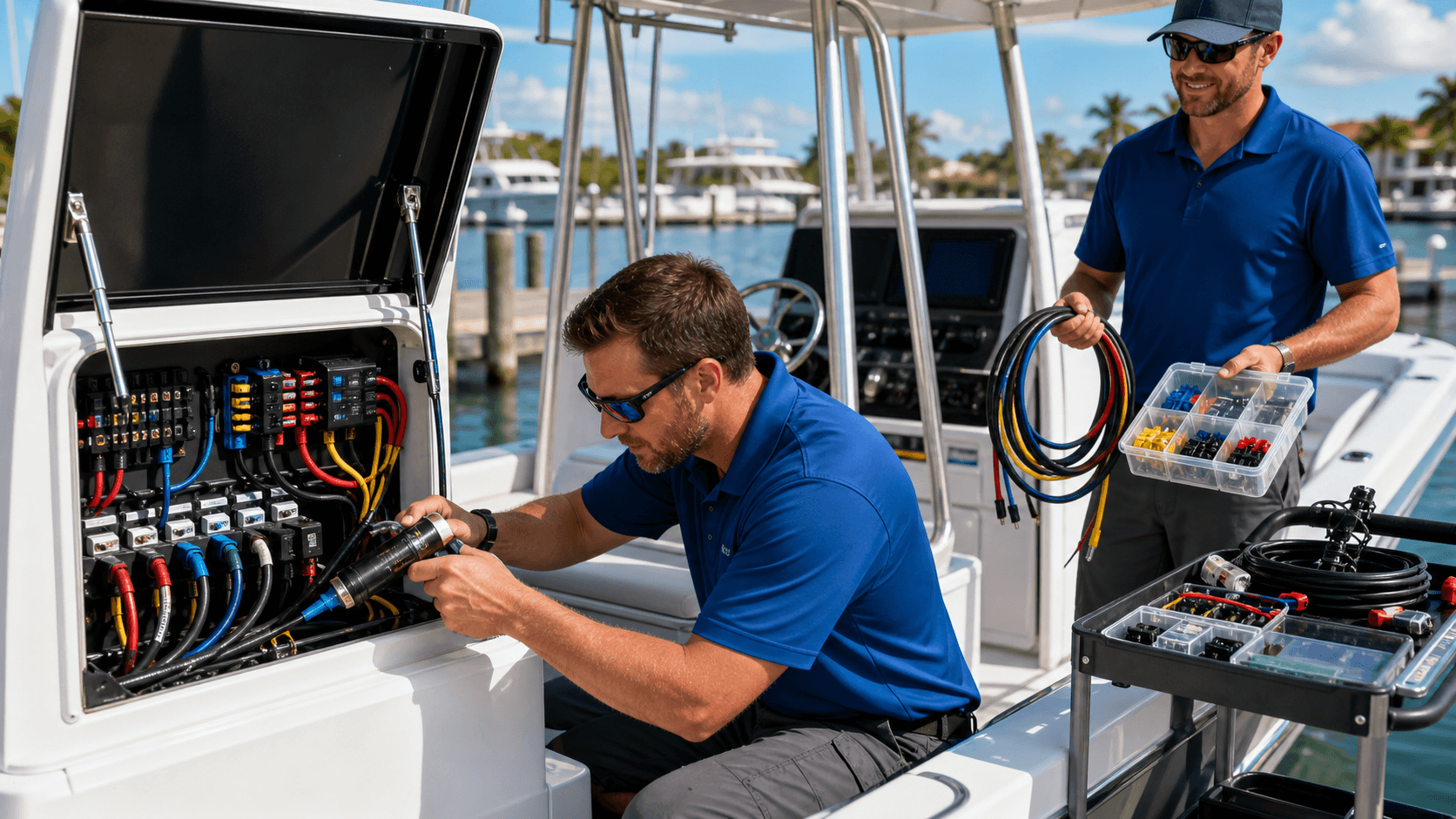
New professional marine electronics are hungry for clean, steady power. If you hook them to old, corroded wiring or share a weak circuit with too many other loads, you can get random shutdowns, weird glitches, or even damage. Hot summer days make all of this worse because high heat pushes electronics and wiring harder.
Some basics to keep in mind:
- Use the correct wire gauge for the length of the run and the current draw
- Give key units their own circuits with the right size fuses or breakers
- Use tinned marine wire, not household wire
- Use quality crimp connectors with heat shrink, not twist-on joints
Water and salt are always trying to find a way into your system. That is why waterproofing and corrosion protection are just as important as powering your gear. Add drip loops so water runs away from connections, use proper cable glands when passing through decks or bulkheads, and avoid unprotected splices in damp lockers or the bilge. A small bit of dielectric grease on exposed plugs can go a long way in slowing corrosion.
Mounting Screens Where They Actually Work
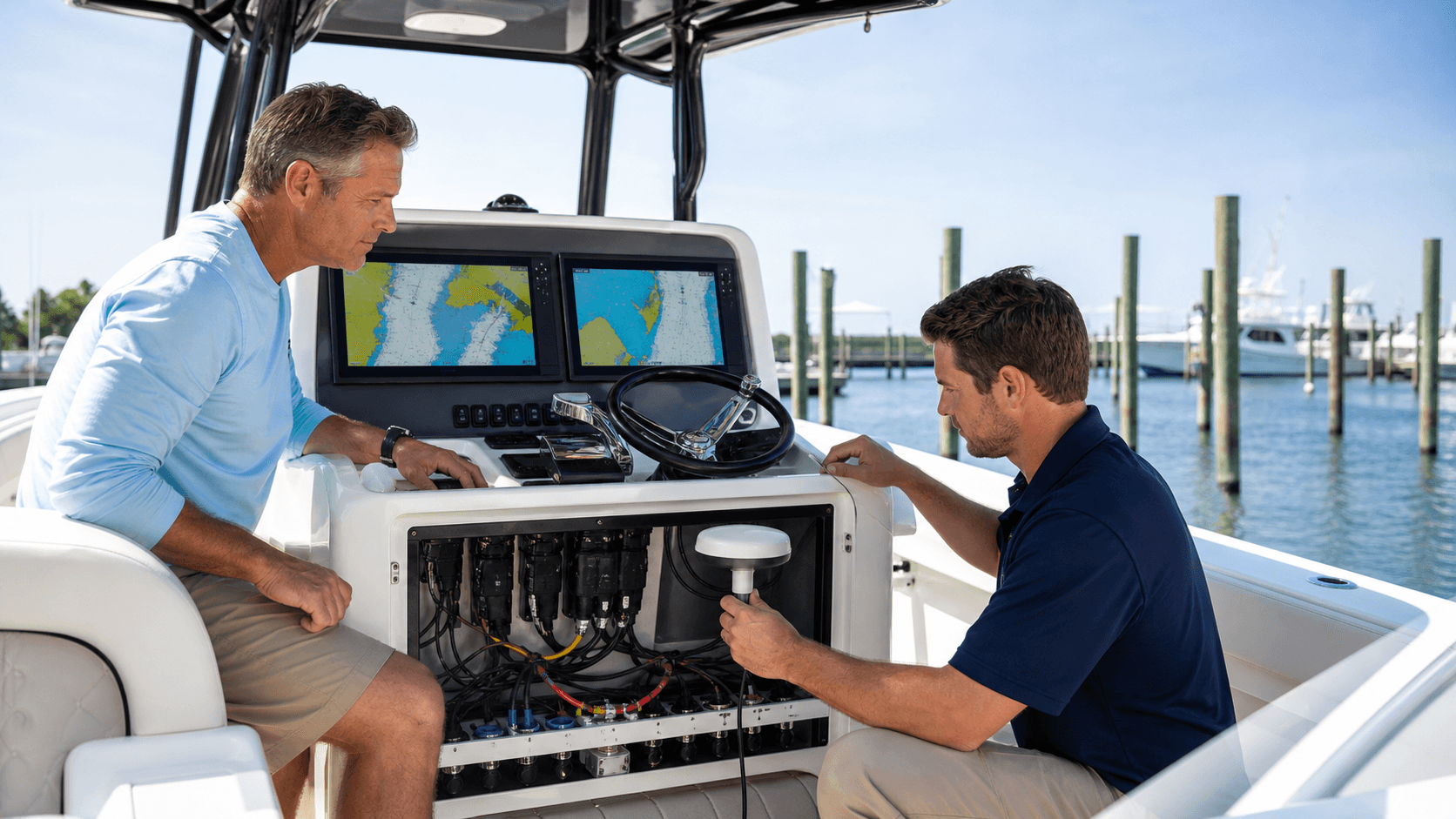
Electronics can be top-notch, but if you cannot see or reach the screens, they will not help much. A common mistake is mounting a chartplotter where it lives in full sun glare or so far away that you need to lean over the wheel to tap a button. That is not only annoying, it is unsafe when seas get choppy or traffic gets busy.
When you plan your layout, look at it from both the helm seat and while standing. Ask yourself:
- Can I see this screen clearly without turning my head too far?
- Can I reach the controls with one hand while keeping the other on the wheel?
- Does this mounting spot block my view of the bow or other boats?
- Will summer sun or reflections hit the screen all day?
Long holiday weekends and bright summer afternoons can be tiring on the eyes. Screens with good brightness still need smart mounting angles so you are not squinting or fighting glare. An easy-to-read, easy-to-reach display lets you keep your eyes outside the boat more, which is where they belong.
Getting Full Value From Integration and Regular Testing
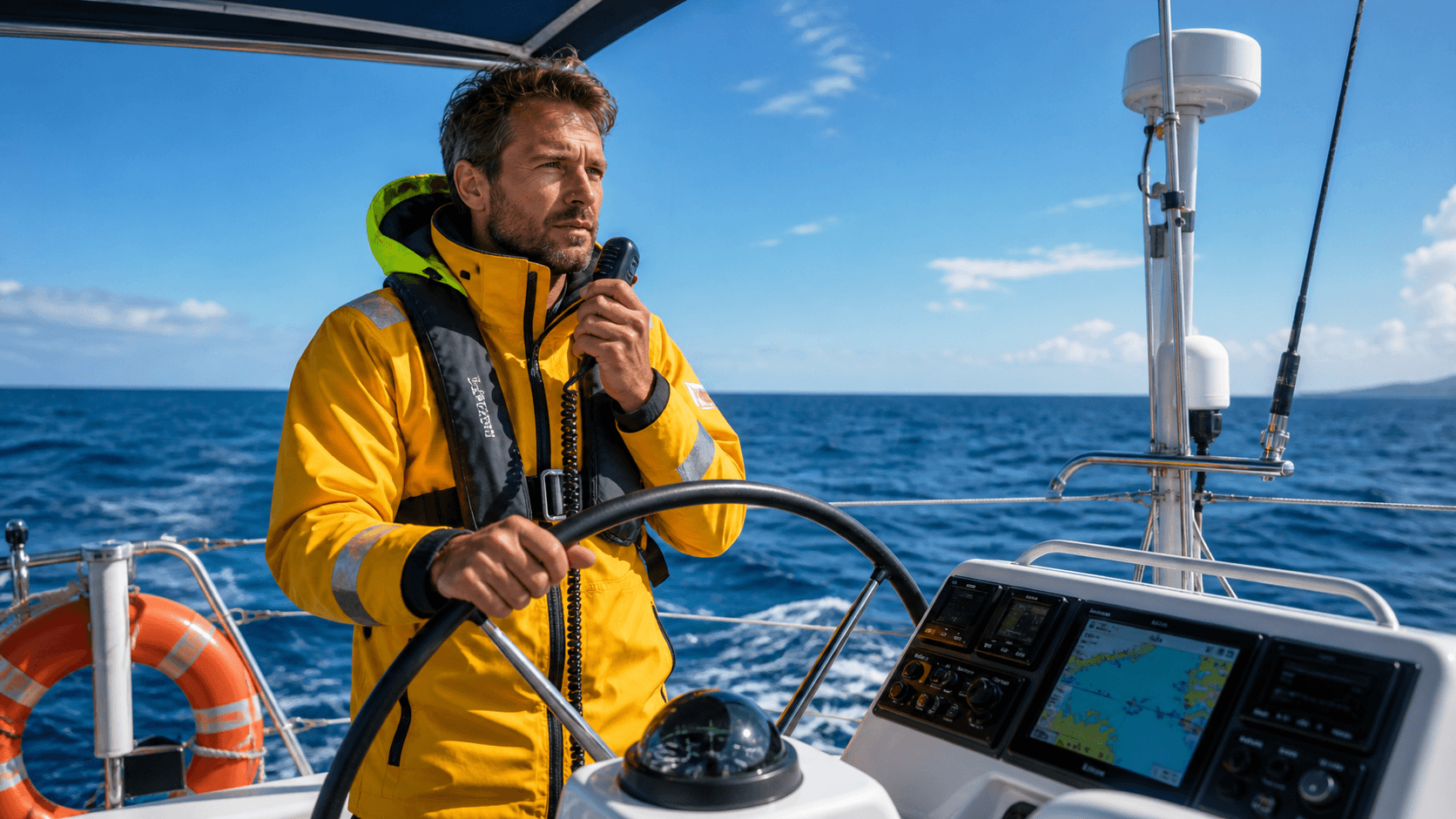
Another mistake is treating every device like its own little island. When your GPS, VHF, AIS, radar, and autopilot do not talk to each other, you miss out on a lot of safety and comfort. A DSC-enabled VHF that has GPS position linked can send your location with a distress call. AIS targets overlaid on your chartplotter make it much easier to understand traffic around you. A radar image laid over your chart helps on foggy mornings or hazy evenings when depth and distance are hard to judge by eye.
Before you buy anything new, it helps to ask a few simple questions:
- Will this talk to my current gear with NMEA 2000 or NMEA 0183?
- Can I share GPS, AIS, and depth data between units?
- If I add an autopilot later, will it link to my main screen?
- Is my core system brand clear, or am I mixing too many ecosystems?
Once everything is installed, do not just set it and forget it. Manufacturers often release firmware and chart updates that fix bugs and add features. Before summer gets busy, take time to:
- Update charts and software on your displays
- Calibrate compasses and autopilots
- Set up alarms for shallow depth, anchor drag, and arrival
- Check AIS and VHF DSC functions with proper test calls
We always suggest a test day before any big summer run. Turn everything on at the dock, then head out on a short local trip. Watch your speed, heading, depth, and GPS data to confirm they all look right. Practice simple tasks like setting a route, marking a waypoint, adjusting radar gain, or changing VHF channels. Doing this in calm weather takes the stress off when you need those tools in a hurry.
Upgrade Smarter and Head Into Summer with Confidence
This is a great time to take a slow walk around your boat and really look at your electronics setup. Ask where you might be making some of these common mistakes. Are you missing a clear system plan? Is your power and wiring up to the task? Are your screens easy to see and use on a bright day? Are you letting your navigation and safety gear work together, or are they still acting like strangers?
A simple checklist can help keep things clear in your mind:
- Choose a core system and plan future add-ons
- Review power, wiring, and circuit protection
- Check screen mounting, angles, and sight lines
- Look for easy integration wins, like linking GPS to VHF
- Schedule time for updates, calibration, and a real-world test run
When you are ready to upgrade or fill in the gaps, MarineXGear offers a wide range of professional marine electronics from brands like Garmin, Simrad, Raymarine, Lowrance, and Standard Horizon. By thinking like a system builder and not just a shopper, you can build a clean, reliable setup that fits how you actually use your boat and lets you enjoy the water with a lot more confidence.
Get Started With Your Project Today
Whether you are upgrading your current setup or planning a new build, we are ready to help you choose the right professional marine electronics for your vessel. At MarineXGear, we focus on reliable gear that performs in real-world conditions so you can head out with confidence. If you need guidance or have specific questions about your project, contact us and we will work with you one-on-one.